
Creating API Agents in the Admin
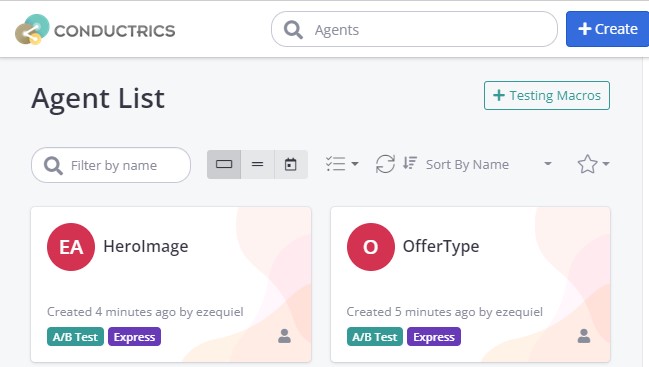
Creating an API agent in the admin is super simple. From the Agent List page click on the Create button.
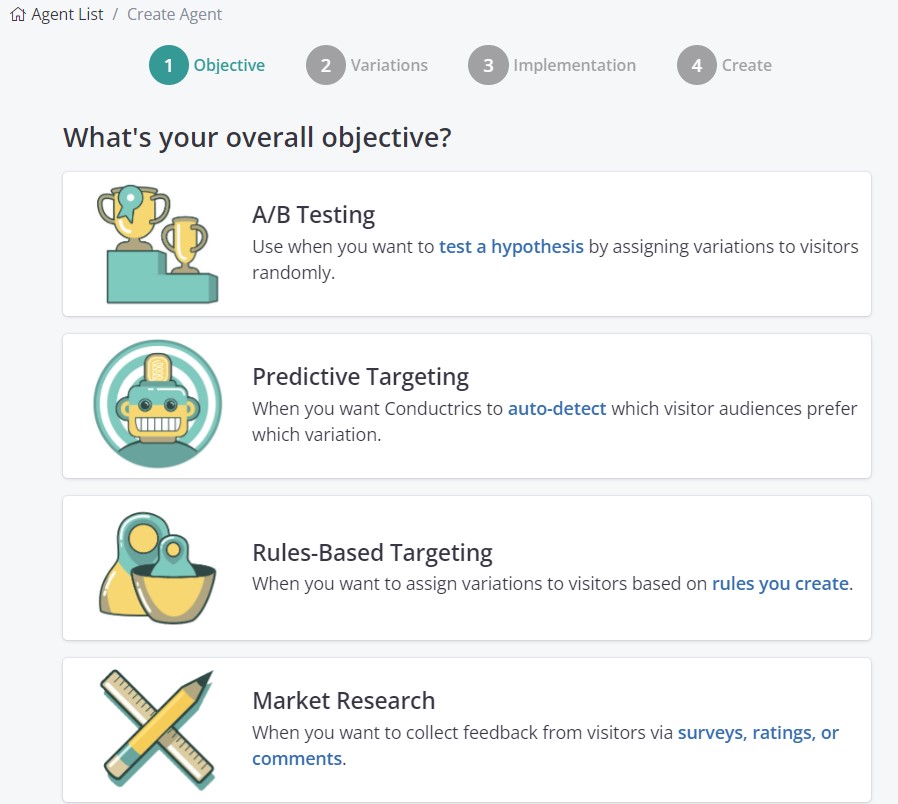
From the Agent Creation page, select the type of agent you are interested in.
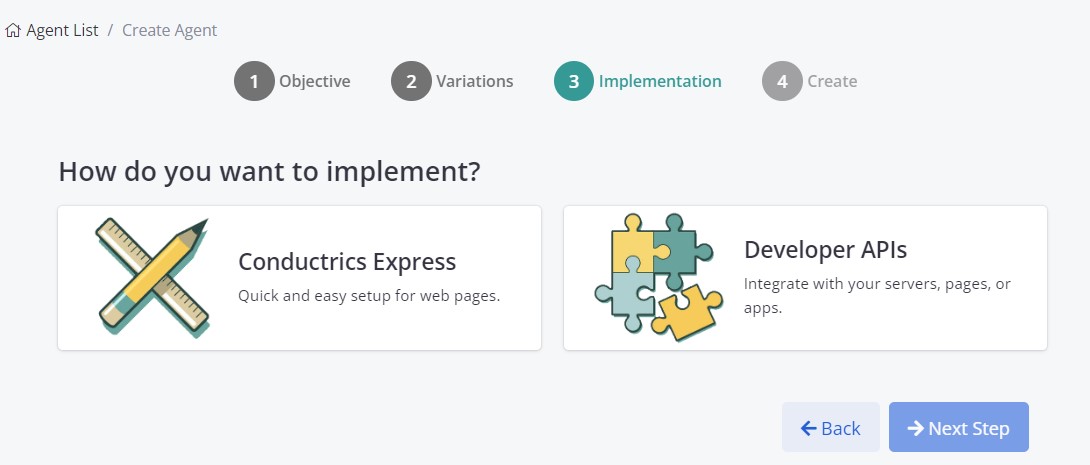
Once you get to Step 3 "Implementation" of the Agent creation flow, you will have the choice to pick either Conductrics Express or Developer APIs
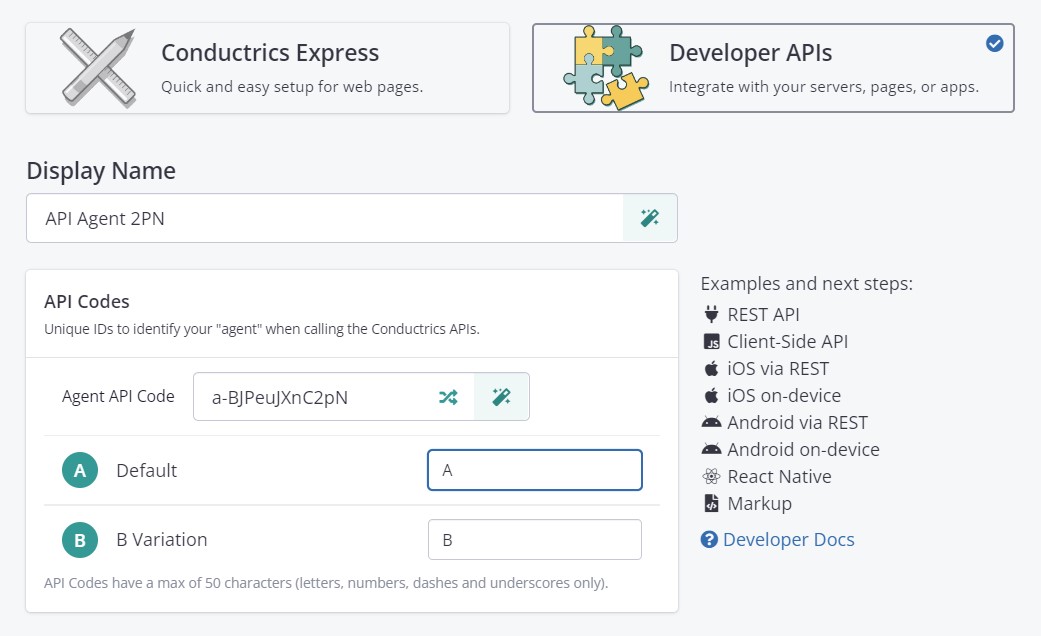
After you select 'Developers APIs' you will be presented with a window where you can quickly set up the name and API code of the agent and its variations.
The last step (step 4 from the Agent creation process) is the same as with any other agent, where you can select a name, description and set the QA status at creation time.
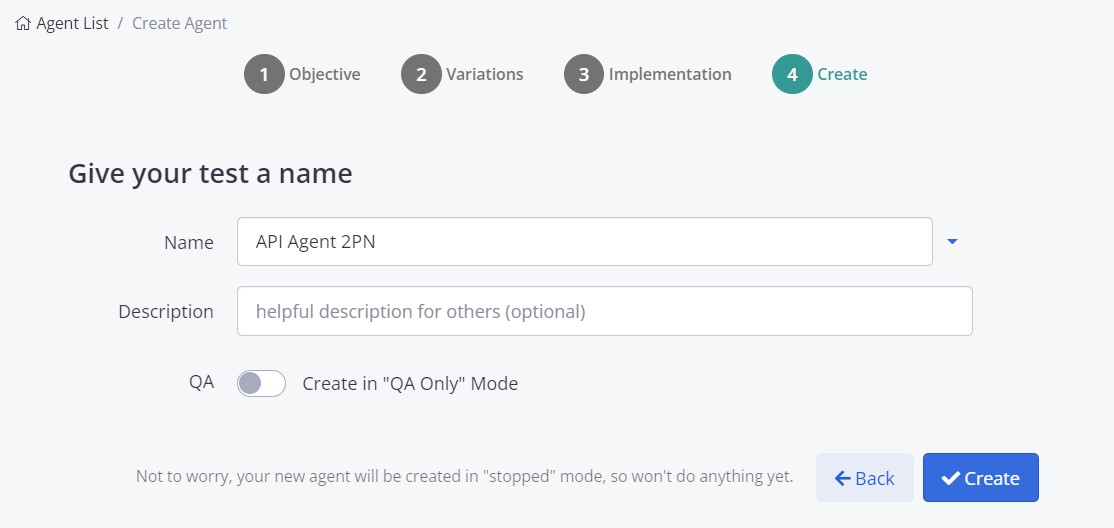
We then click the 'Create Agent' button to bring us to the standard Agent admin page where you can specify any filtering, targeting and selection logic etc.
Updated over 1 year ago