
Multivariate (MVT) Agents
Multivariate Tests: Merging "Colliding" Tests
With Mutually exclusive tests, we are able to keep tests that could affect one another separate. A Multivariate test is almost the opposite approach. Rather than ensuring that the tests experiences don't overlap, we are going to merge them together into one big test so that we ensure that they totally overlap with one another. That way we can properly collect the data to account for, and assign, what share of credit each individual test (also alternatively called 'variables') should get for improving (or reducing) our conversions.
For example, let’s say you want to test two different types of changes to your page; 1) you want to alter the Hero image of your product; and 2) you want to test a few different promotional product offers. A multivariate test will let you see both how the conversion rate will be jointly affected by the two tests, and it will let you know which Test is having the most influence.
To set up a MVT, you first create two or more of your tests in the standard way. Here we have created two standard tests, 'OfferType' and 'HeroImage'. The 'OfferType' test has three offer versions and the 'HeroImage' has two hero image versions.
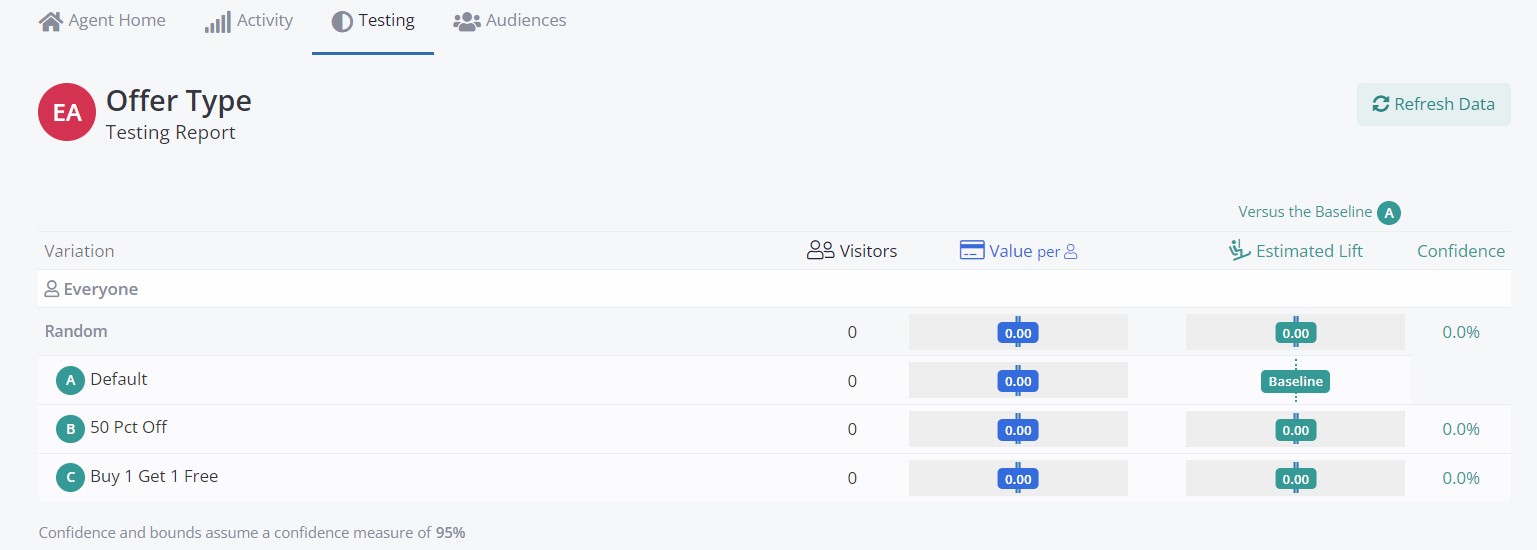
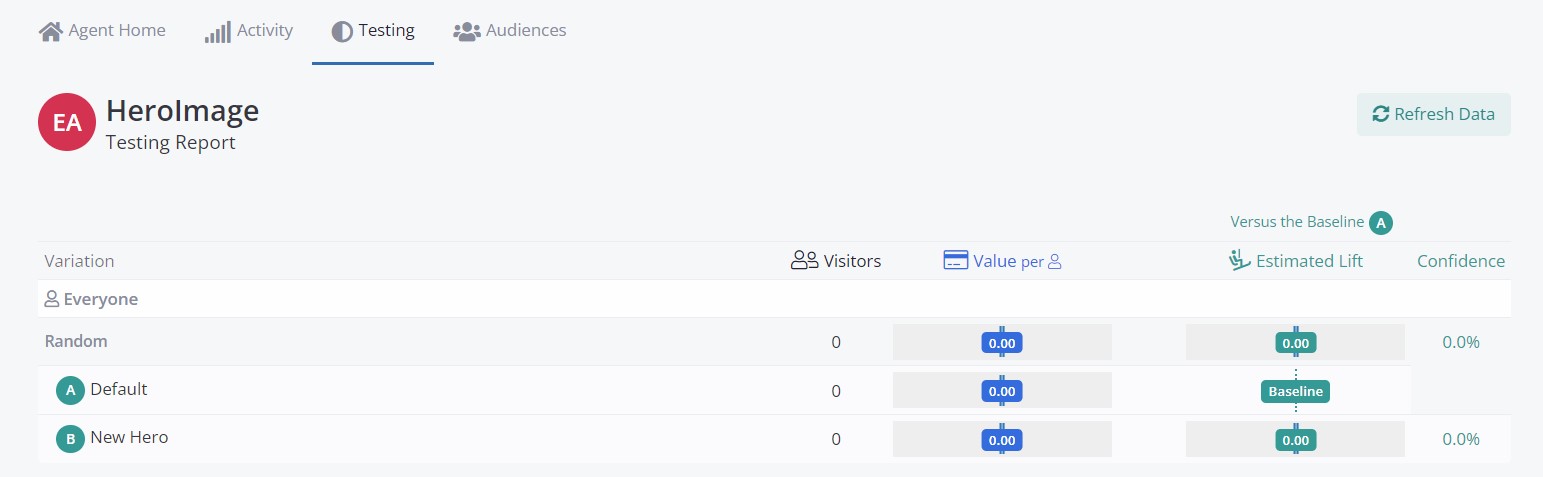
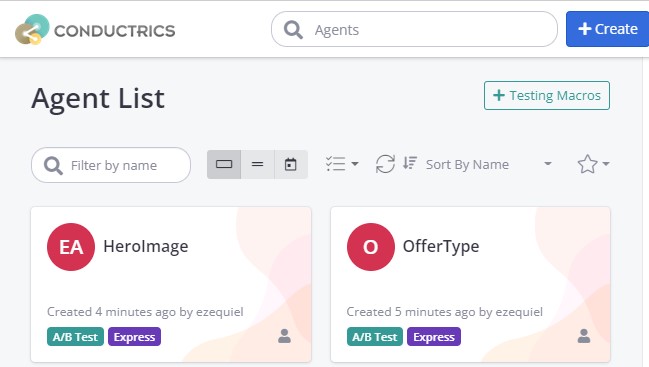
You see the tests in your agent list "normally", something like the following:
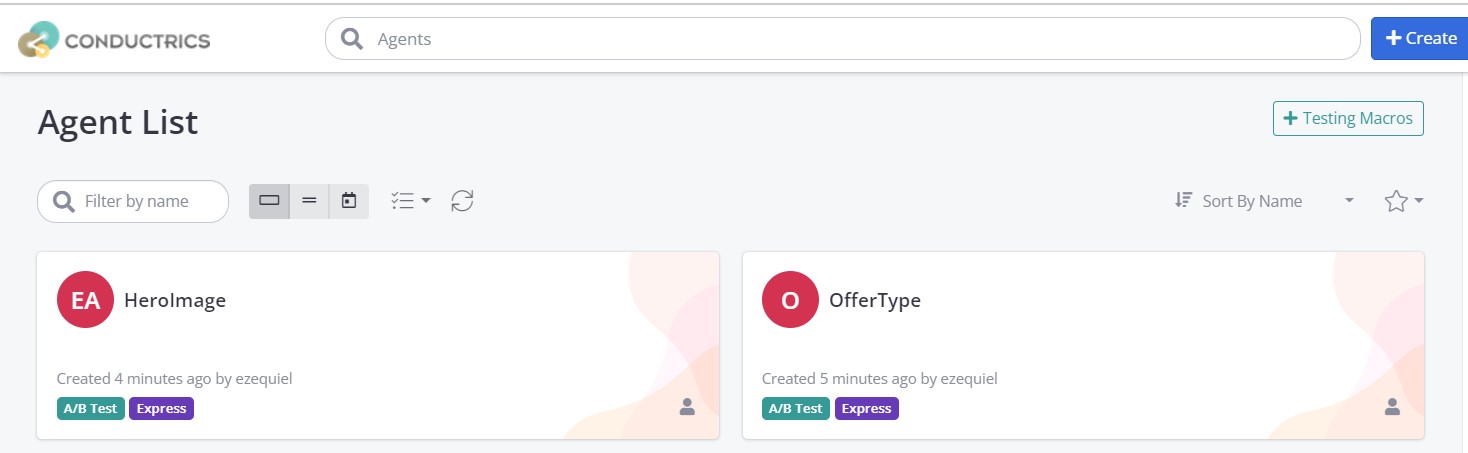
To create a MVT, all we need to do is tell Conductrics to create a new test that 'merges' the OfferType test with the HeroImage test. To do this, start by clicking the Create button just like you would with any other agent.
At the bottom of the agent creation page you'll see a MVT Relationship button under the Other Options section.
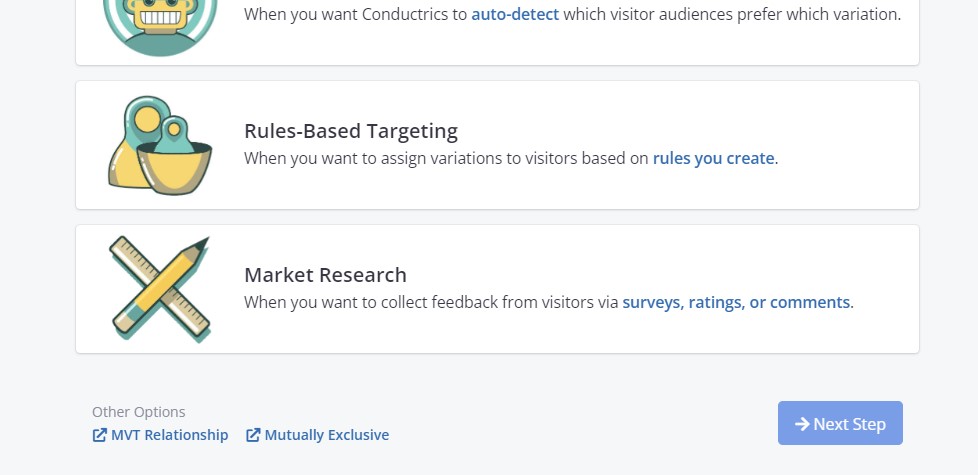
Clicking on the MVT Relationship button will open up a modal to set up the MVT Agent. You can now select the tests that you would like to merge as the MVT:
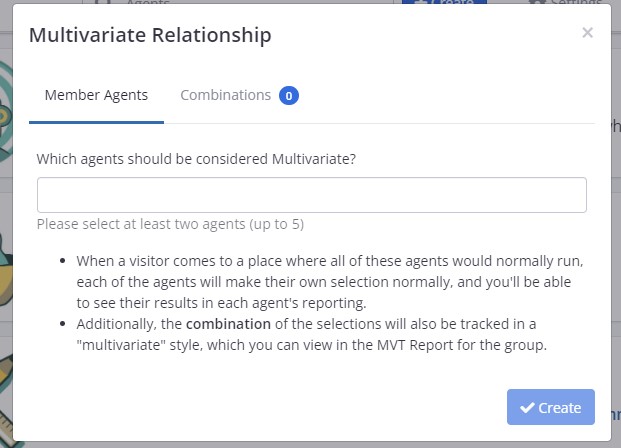
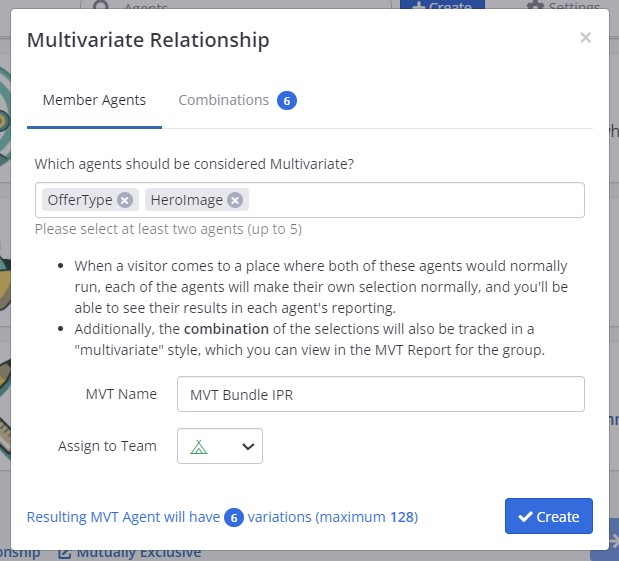
One you select your tests, you will notice that Conductrics will tell you how many total test variations there will be in the new MVT (right at the very bottom of the modal). In this case because we had 3 simple variations in OfferTest, and 2 simple variations in HeroImage, our MVT will have 6 (bc 3*2 = 6) compound (multivariate) variations. (one note, there is a limit of 128 compound variations for a MVT, if you think you need something larger, please contact Conductrics support.)
Once you have selected all of your tests, you can rename the agent to something other than the already generated name, and assign it to a Team. If your agent is ready, you can finish the setup by clicking on the Create button.
You have just created a new MVT! You should see your new MVT in the agent list.
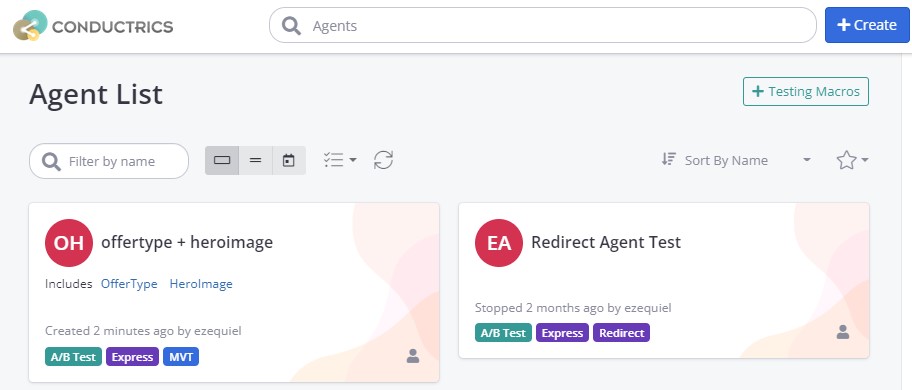
You'll notice than the agents you used to create this MVT dont show up any more on the agent list. This is mainly to reduce clutter on the Agent List, but dont worry, you can still access the separate agents in case you need to do changes at each agent level.
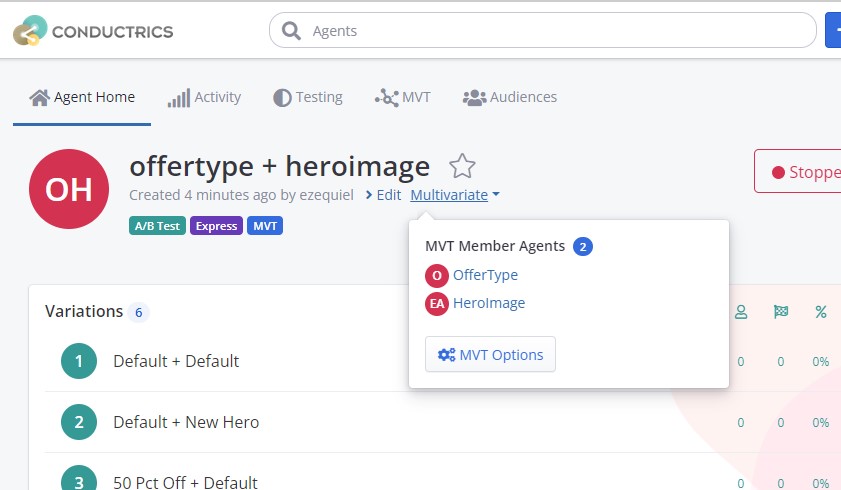
To do this, access the MVT Agent Home, and look for the Multivariate button under the Agent's name. Clicking on it will display the buttons to access the home page of each individual agent that takes part of this MVT agent.
Now all we need to do now is assign a goal or goals to our MVT. You can do that the same way you would set up goals in any other agent, using the right Sidebar, under Listen for Goals/Conversions. In this case we added both the Contact Us and Subscribe goals.
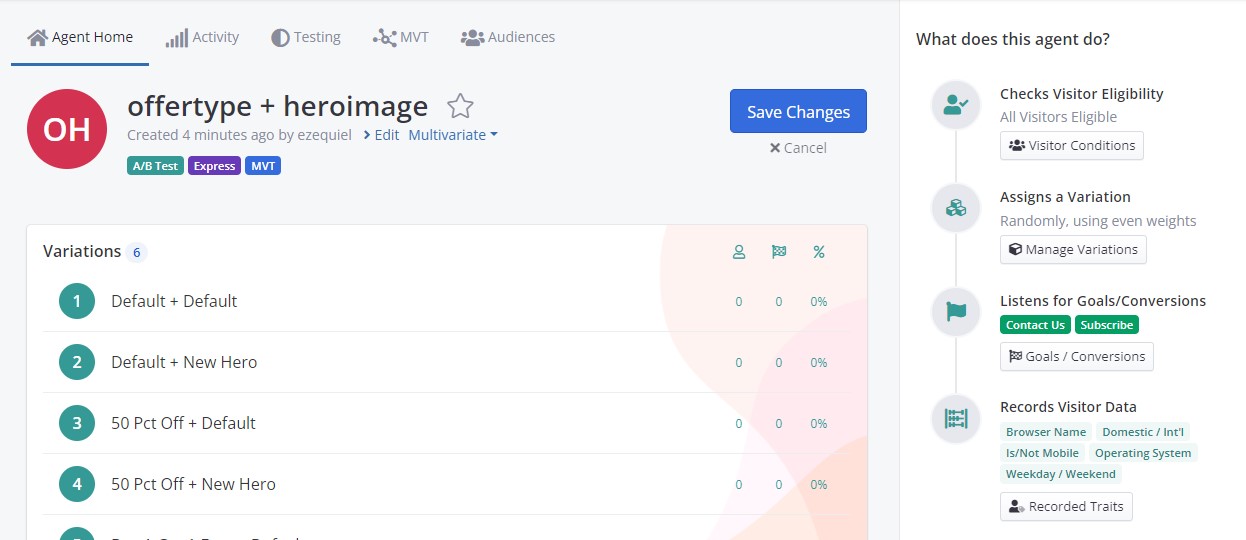
Hit Save and you are all done!
Updated over 1 year ago