
Survey Question Types
Conductrics comes with a number of Question Types for your surveys. You add them while Creating a Survey. Let's take a look at the different question types, the options available for each in the Conductrics Admin, and how they look to your visitors.
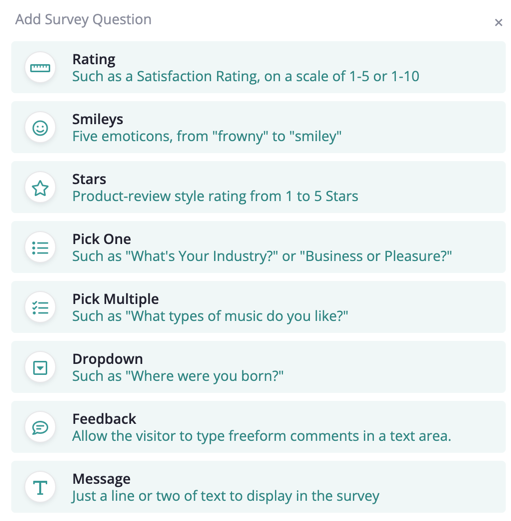
A survey might include just one such question, or several - it's up to you.
Question Type: Rating
You can use the "Rating" question type to get a simple numeric rating from the visitor, perhaps on a scale of 1-5 or 1-7. Here's a simple example:
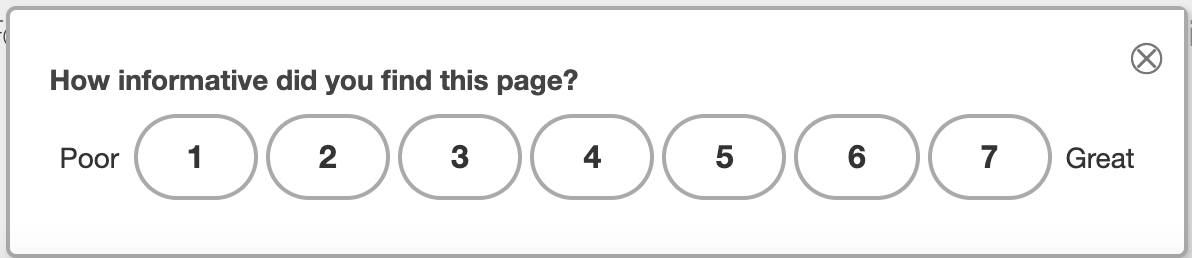
Look and FeelKeep in mind that the "look and feel" for your surveys (such as colors, fonts, etc) is likely to be different than the screenshots in this page. See Survey Themes for more about how the look and feel can be customized.
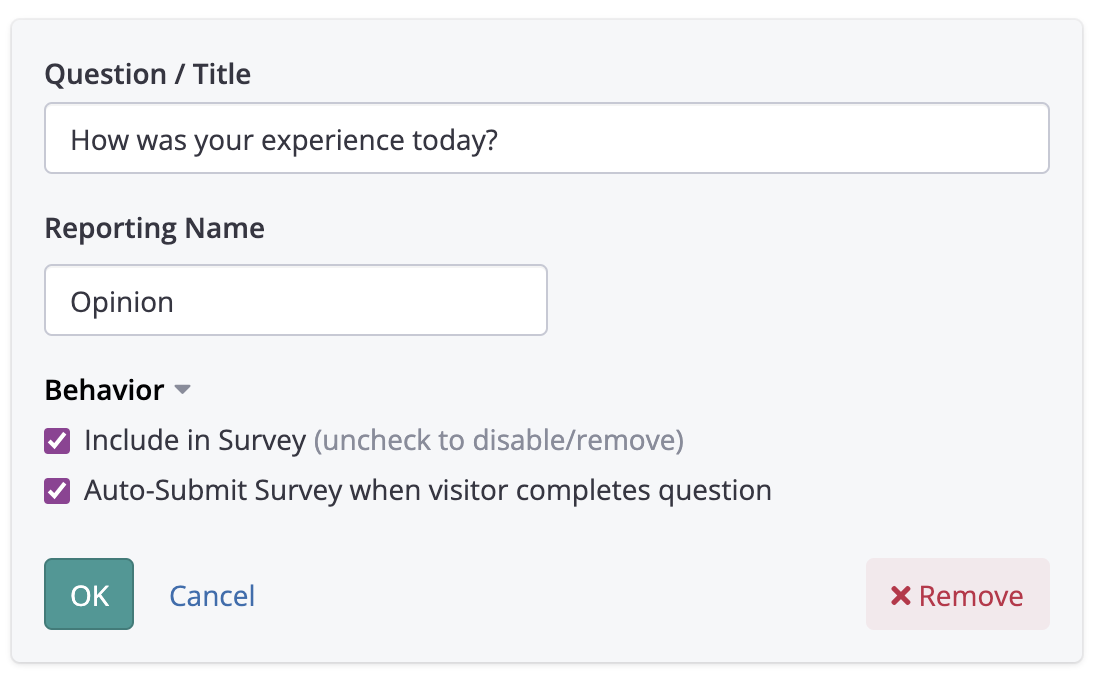
The options for the "Rating" question type are as follows:
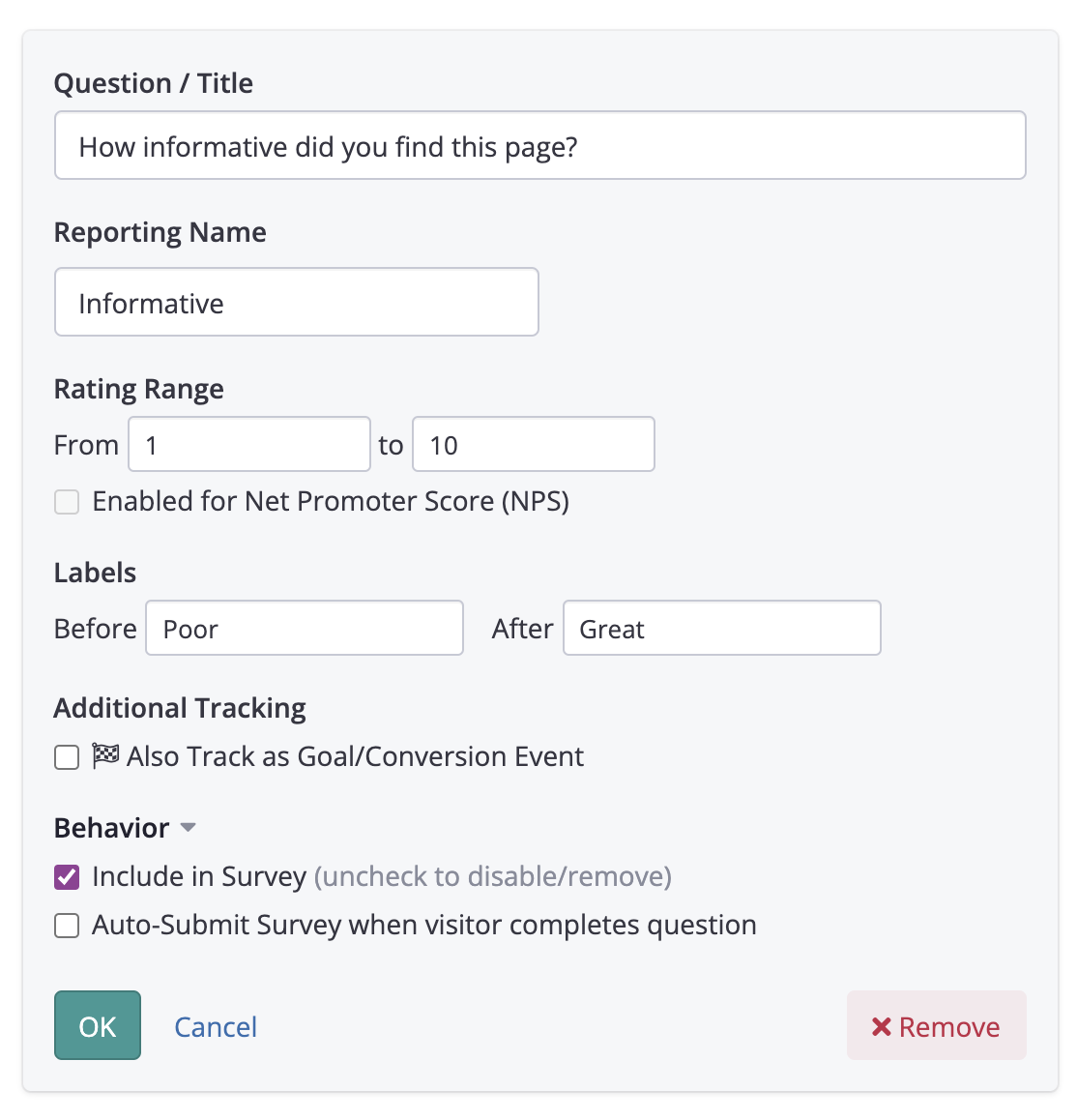
Net Promoter ScoresYou can also use a scale of 0-10 if you want to follow the Net Promoter Score (NPS) paradigm. Conductrics will calculate NPS scores in the reporting, and you can get breakdowns for different visitor groups and so on. See Net Promoter Score (NPS) for details.
Question Type: Smileys
You can use the "Smileys" question type to get a quick rating using a range of five emoticon-type images, from "frowny" to "smiley". Behind the scenes, the ratings are collected in the same way as a "Ratings" question (with a range of 1-5).
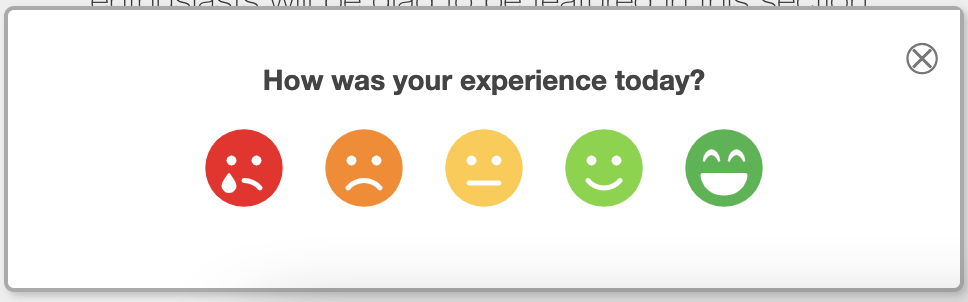
The options for the "Smileys" question type are as follows:
Question Type: Stars
The "Stars" question works the same way as "Smiley" type questions, just displayed in a classic "review" or "product rating" style. Behind the scenes, the ratings are collected in the same way as a "Ratings" question (with a range of 1-5).
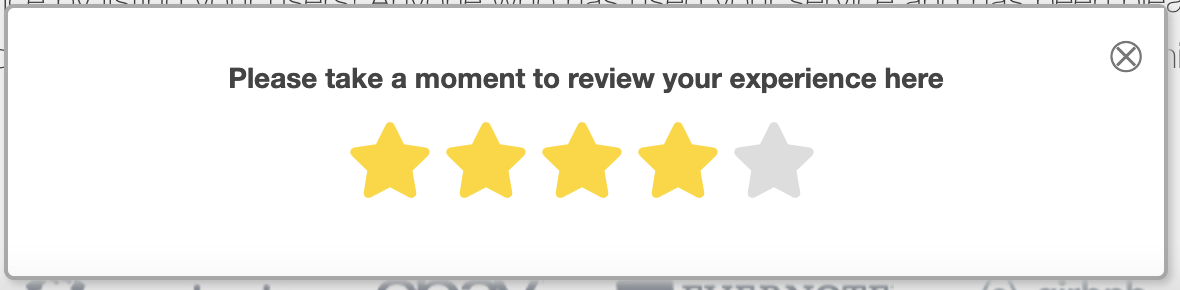
The options for the "Stars" question type is the same as for "Smileys".
Question Type: Pick One
You can use the "Pick One" question type when you would like the visitor to choose from a short-ish list of options. Here's a simple example:
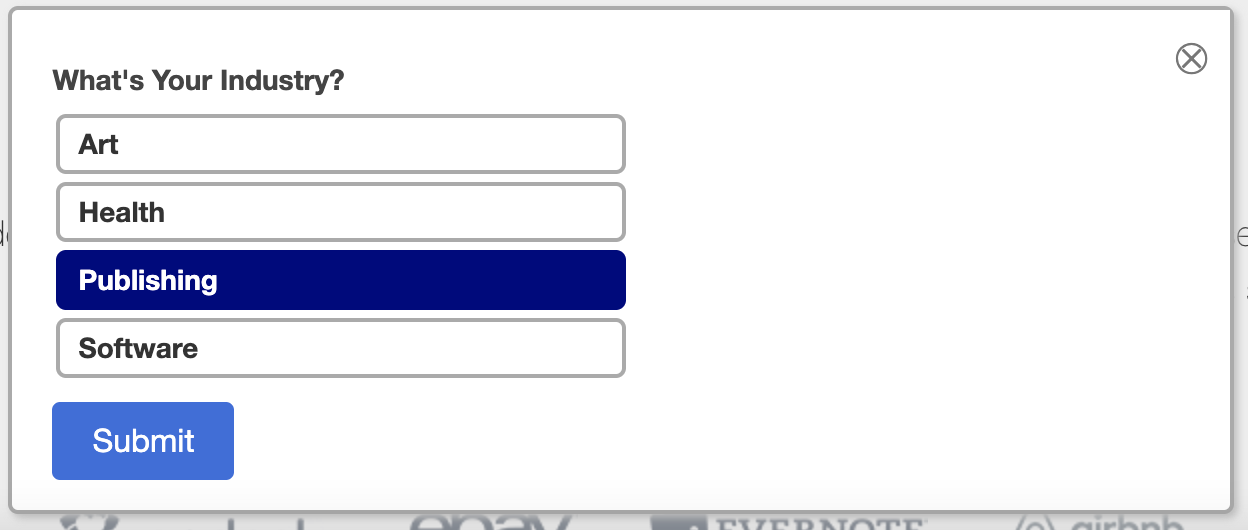
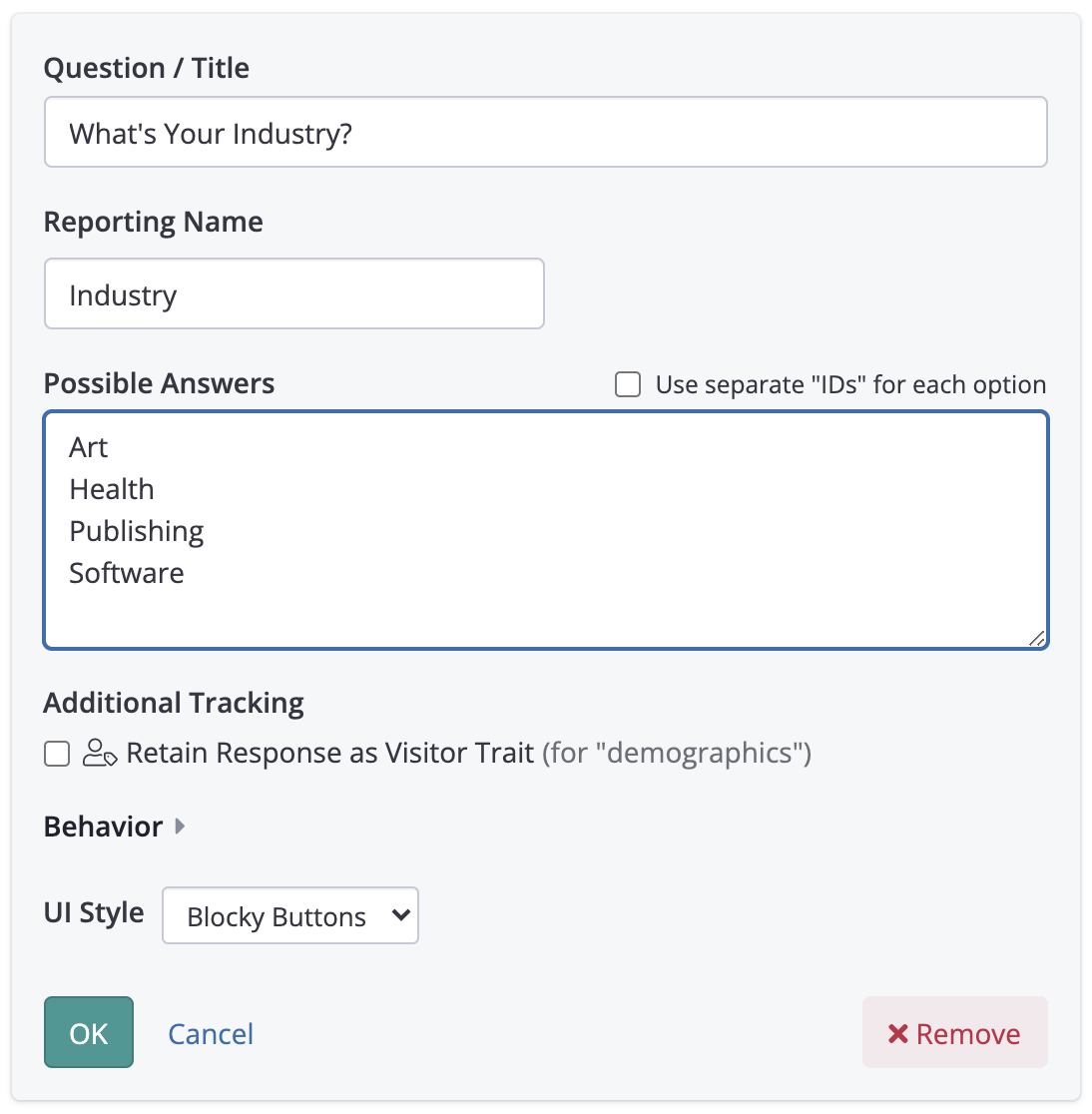
The options for the "Pick One" question type are as follows:
Question Type: Pick Multiple
You can use a "Pick Multiple" question when you want the visitor to be able to choose a few of the available "answers", which are presented as checkboxes. Here's a simple example:
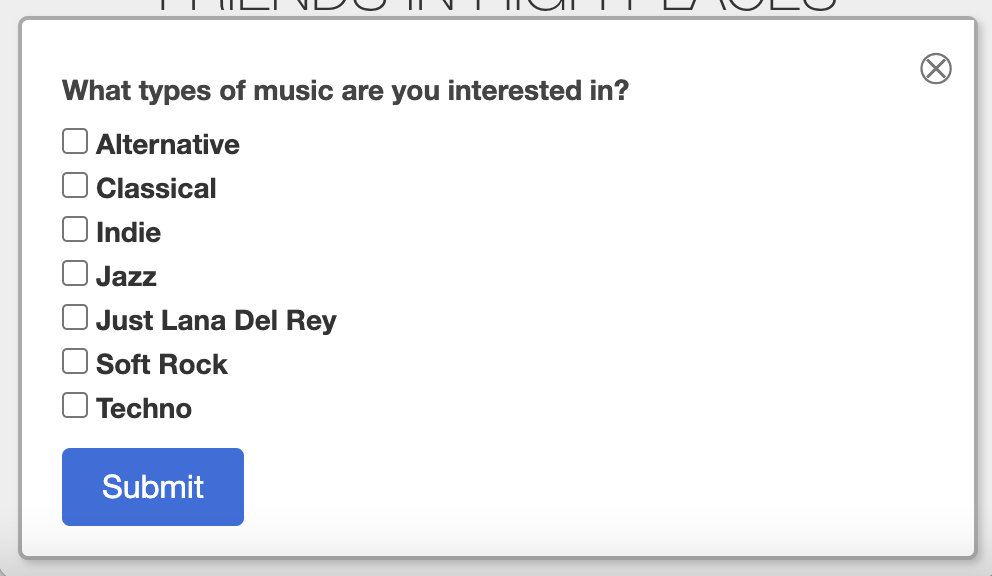
The options available for "Pick Multiple" questions are as follows:
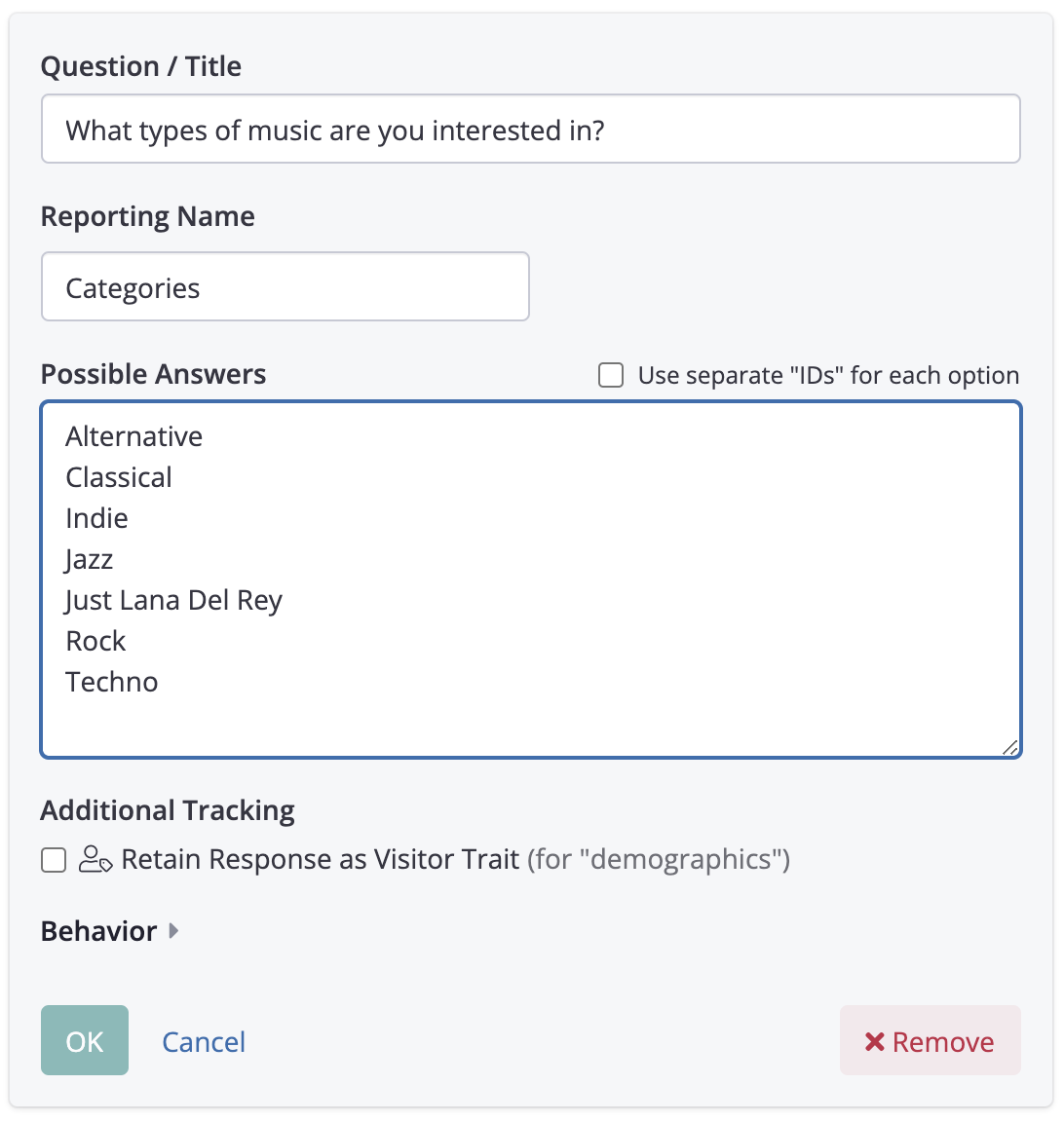
Options for "Pick Multiple" questions
Question Type: Dropdown
The "Dropdown" question type is for situations where you want the visitor to pick one option from a list of available "answers". So, it's similar to "Pick One", but because the options are shown in a normal browser dropdown (aka <select>), it is more appropriate when there are a lot of available options.
Question Type: Feedback
The "Feedback" question type can be used when you want visitors to be able to provide comments/feedback in their own words. Here's a simple example:
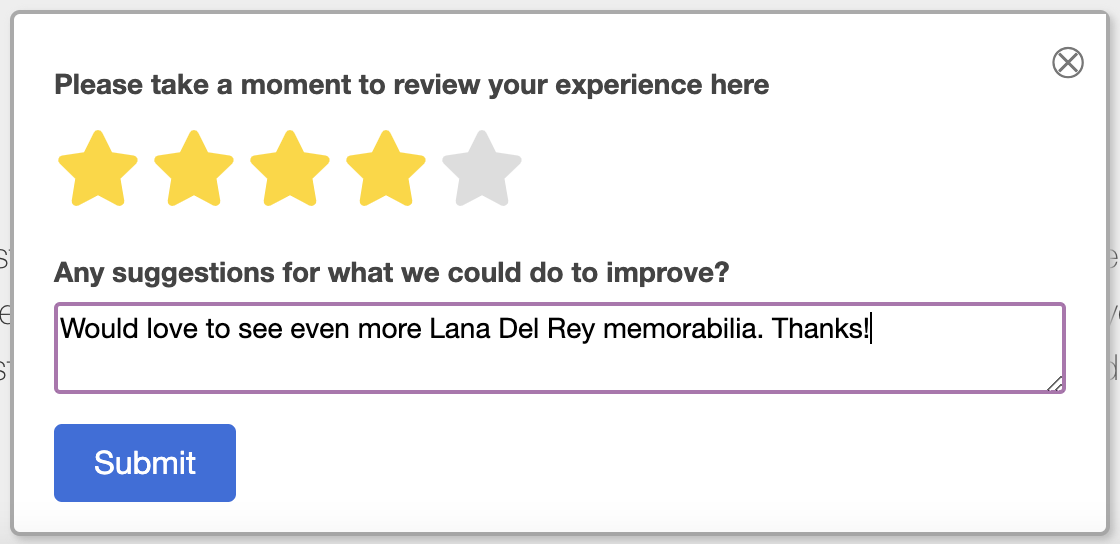
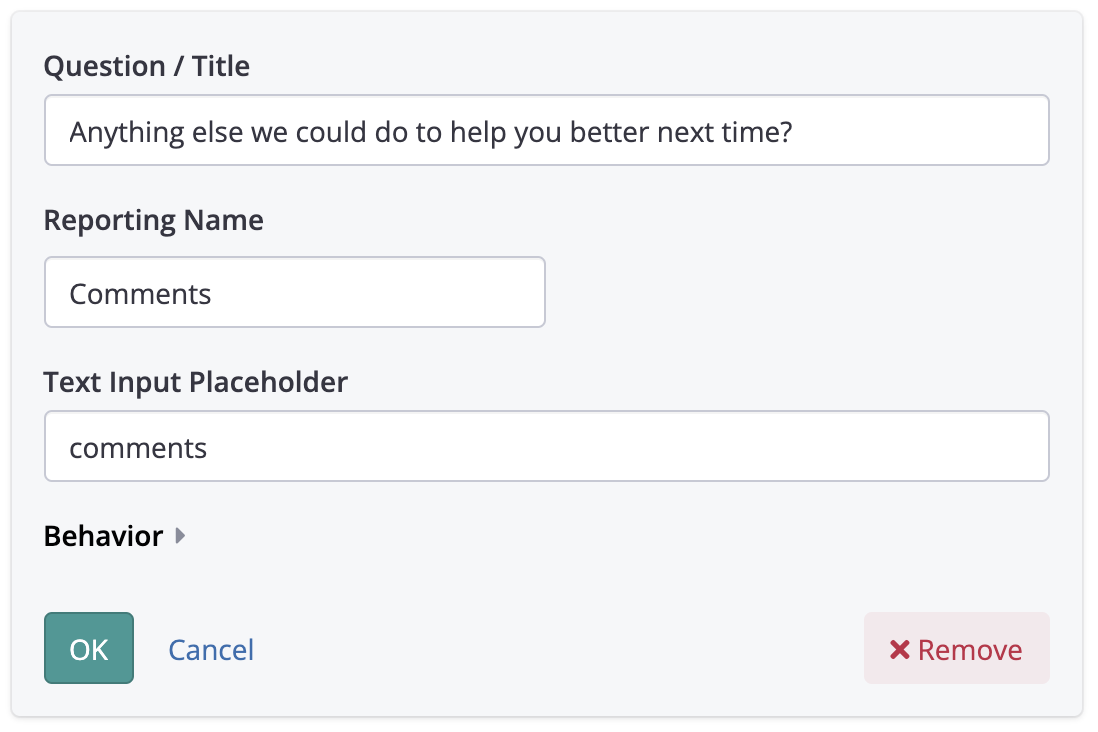
The options for the "Feedback" question type are as follows:
Question Type: Message
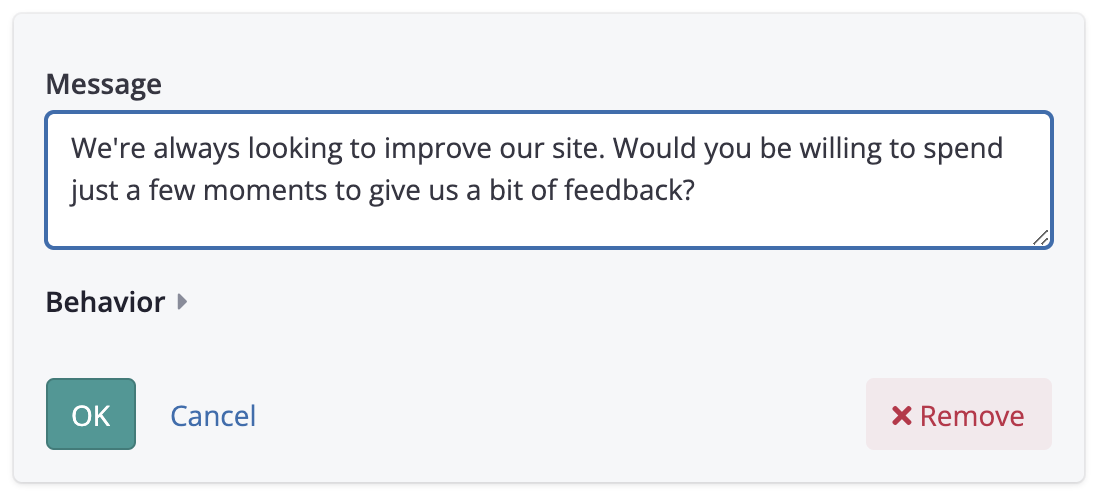
The "Message" question type doesn't collect any input from the visitor. It simply displays some text, which you could use to show a little introductory message or thank the visitor in advance for their time, etc. You can have as many of these "messages" in your survey as you want, and you can arrange them before or after your actual survey questions.
Updated over 1 year ago