
Mutually Exclusive Agent: Filtering
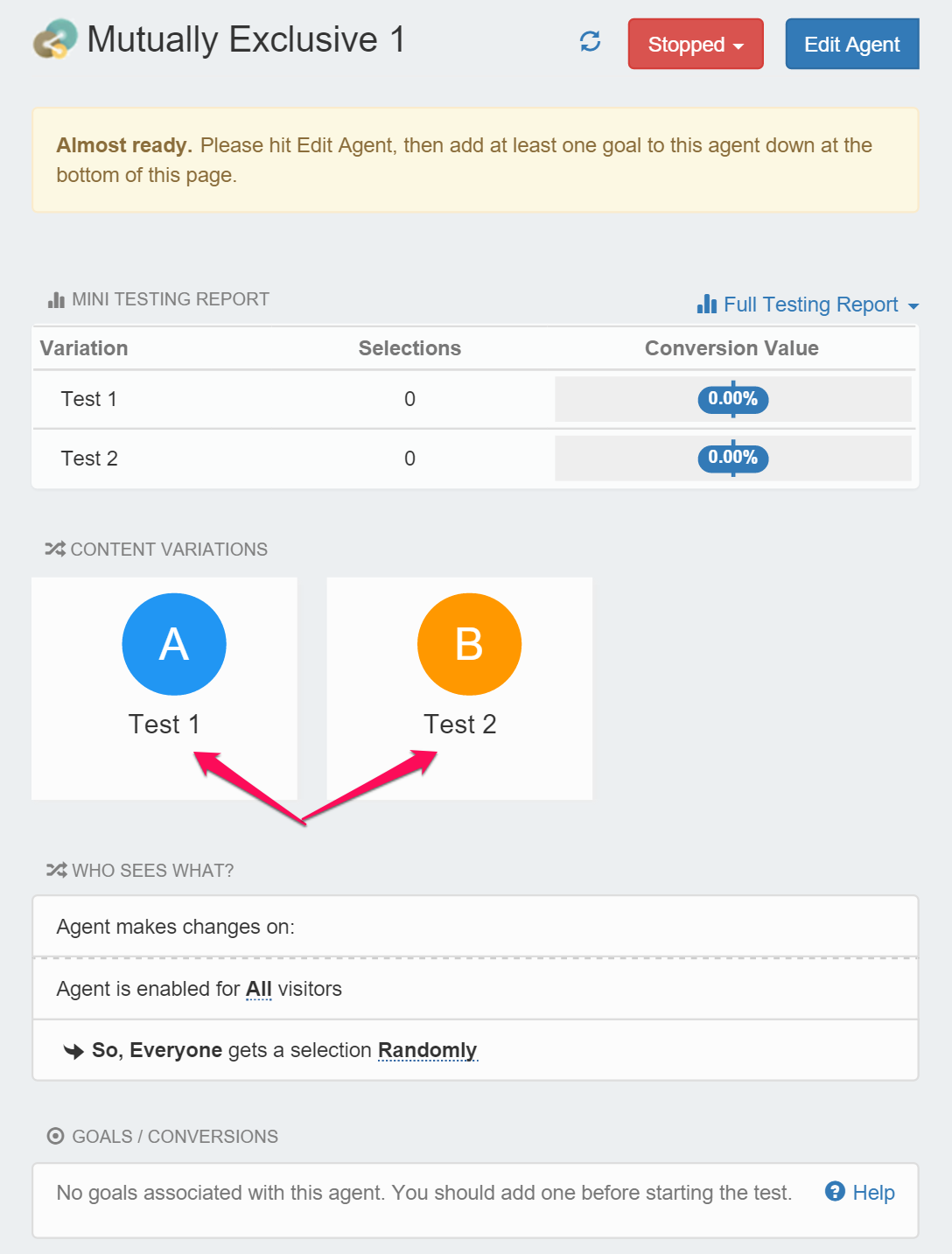
Once you create your first MET agent, you may be thinking, ‘That’s great that my tests are now mutually exclusive, but what is this new mutually exclusive agent thing that I just created?’ You can think of the ME agent just like a normal test that you set up, but rather than selecting from test options, the ME agent selects from competing tests. Lets take a quick look at the ME agent:
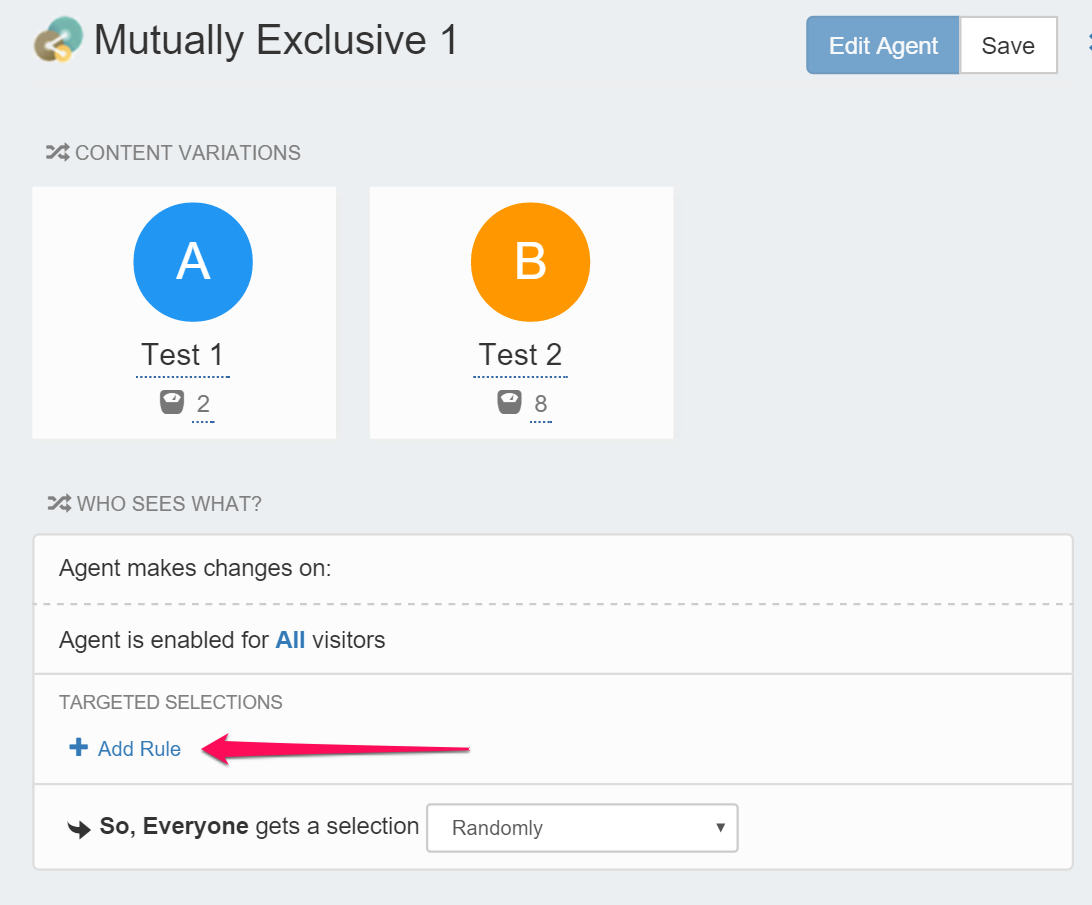
Notice it looks just like a standard test, except it is selecting from ‘Test1’, and ‘Test2’.
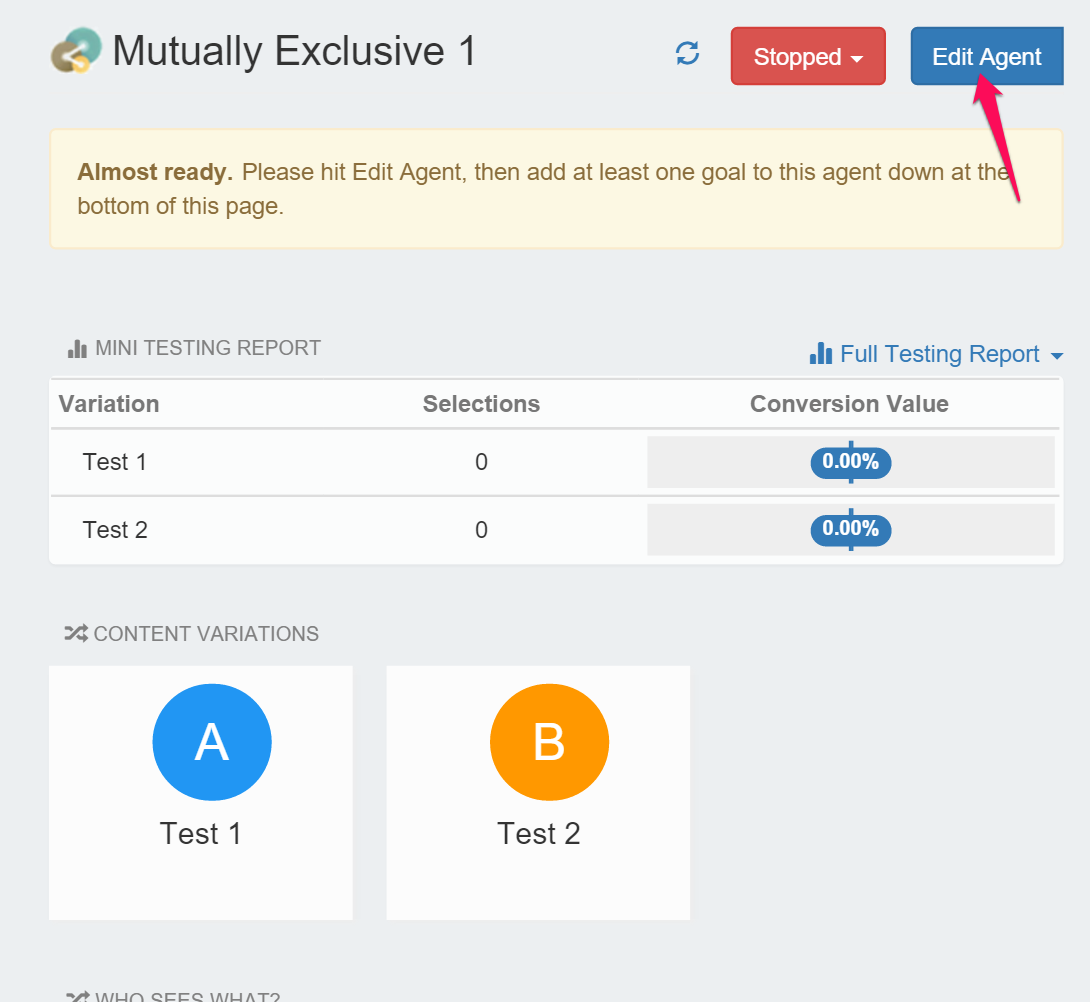
What is nice about this approach is that we all of the built in agent capabilities. So we can set up filters, and targeting, that operate at the test level rather than at test option level. For example, if we want 20% of the traffic to get to Test1 and 80% to Test2, we just alter the option weights. You can do this by Clicking on ‘Edit Agent’
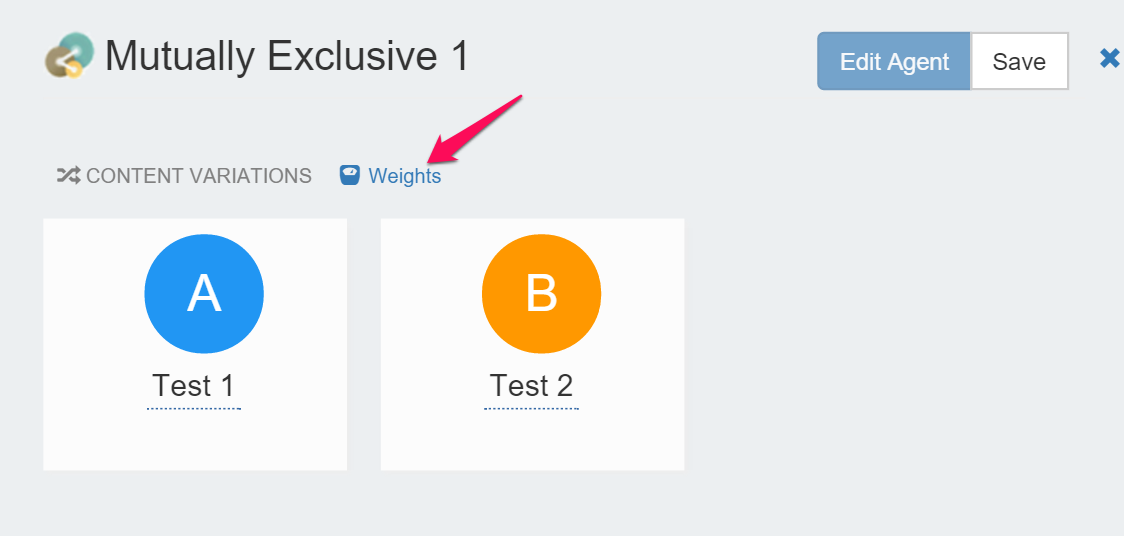
Then on the ‘Weights’ option:
And set the weights to have a 20/80 split:
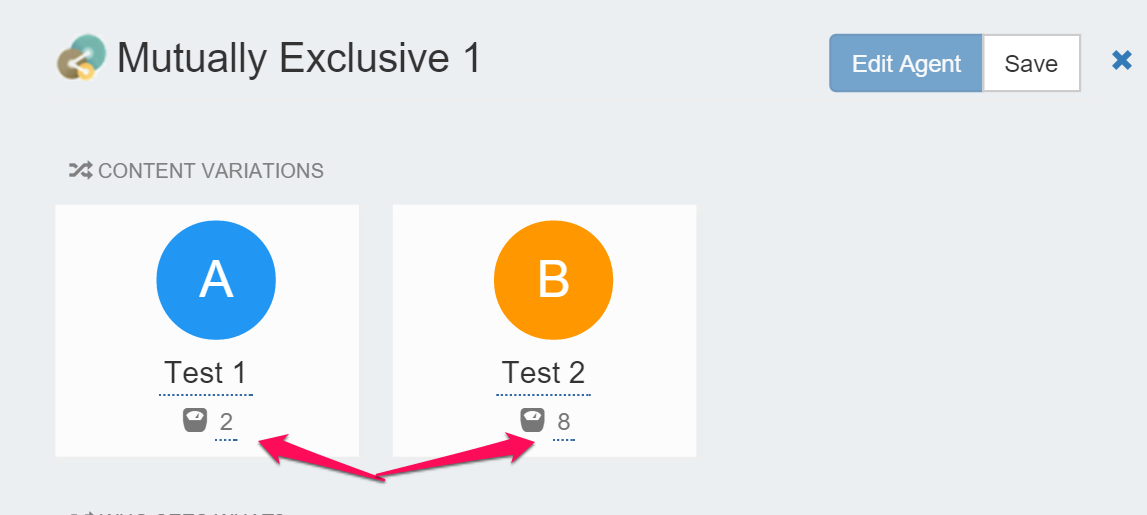
That’s it. You now have two mutually exclusive Tests, with Test1 getting only 20% of the sample and Test2 with 80%.
But wait, there is more. Perhaps we don’t want Test1 (A) to run during the weekend. That is no problem. We can just use the normal agent targeting to assign visitors to Test2.
In the ME agent just go to the ‘Add Rule’ option:
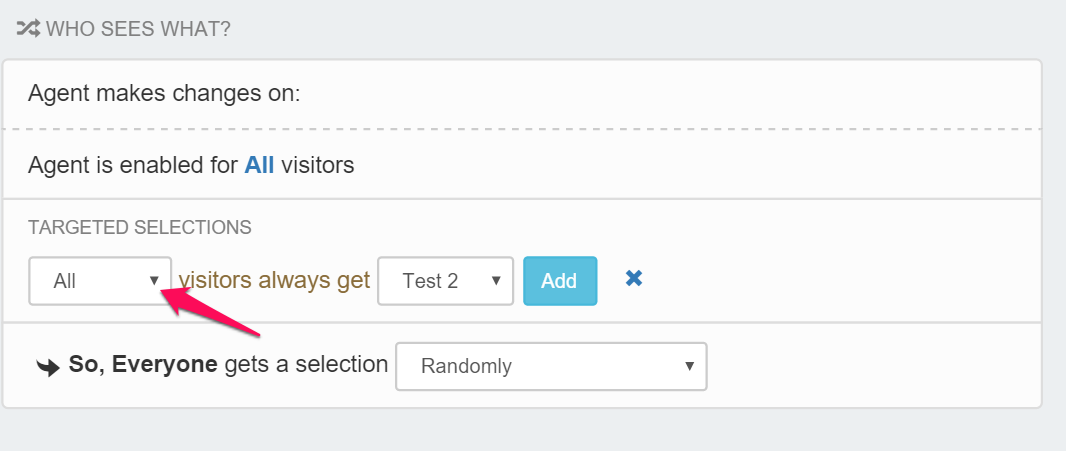
In the Targeted Selections drop down, hit the arrow and select ‘More’:
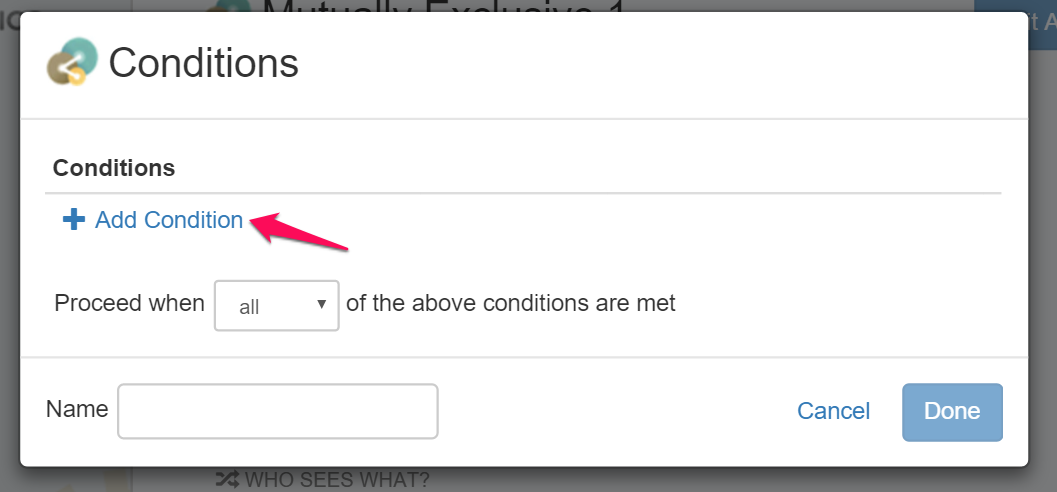
Then click on ‘Add Condition':
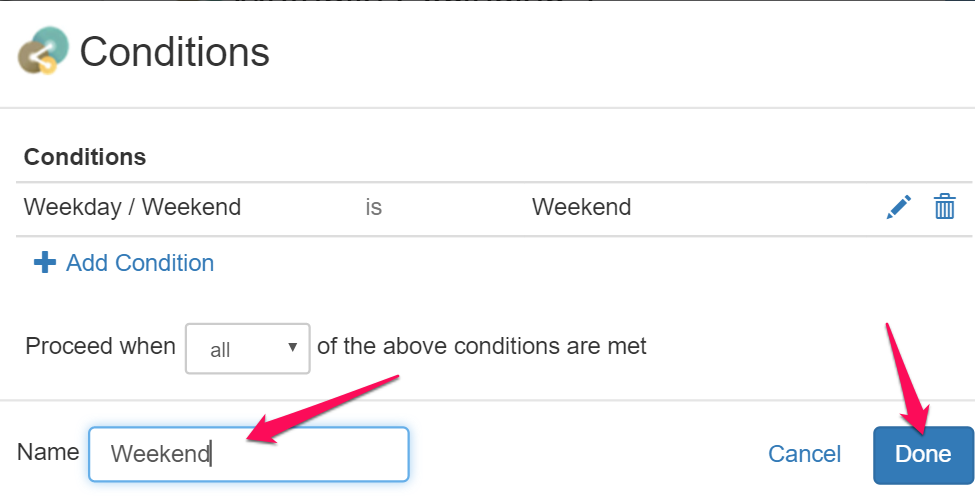
In the condition builder select ‘Weekday/Weekend’ as the source and ‘Weekend’ as the condition and then select the check mark to add the rule.
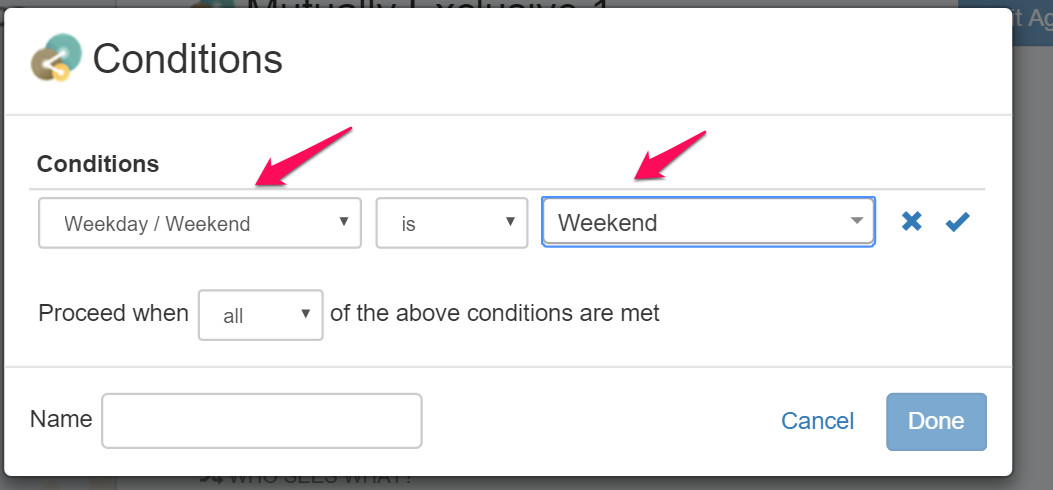
Then give the rule a name and click ‘Done’.
Then just ‘Add’ the rule and select which test you want to fire and you are done!
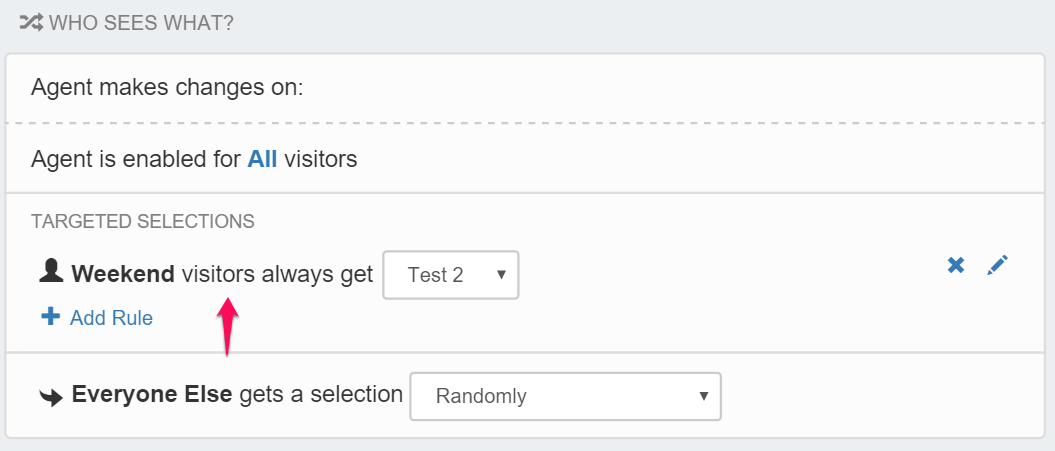
All you have to do is save the ME agent, you Test1 and Test2 are mutually exclusive tests during the week, with an assignment of 20/80. During the Weekend only Test2 is active.
Updated over 1 year ago